
Table of Contents
The landscape of web development has shifted dramatically with the rise of base44. This AI-powered prototyping and “vibe coding” tool allows developers to launch sophisticated, full-stack web applications in a fraction of the time it once took.
However, once your base44 web version is live, a significant challenge remains: How do you transform a browser-based project into a native app for the Apple App Store and Google Play Store without rewriting the entire codebase in Swift or Kotlin?
This guide explores the most efficient way to bring your base44 creations to mobile users.
Why a base44 Web App Alone Is Not Enough
While projects built with base44 run efficiently in mobile browsers like Chrome or Safari, relying solely on the web version limits your growth and user experience. To truly scale, you need a native presence.
- Visibility & Engagement: A home screen icon provides a permanent brand presence on the user’s device, ensuring you are always one tap away.
- Retention via Push Notifications: Push notifications are the primary driver for user reactivation. Native apps allow you to send targeted alerts that keep users coming back.
- Perceived Trust: Being listed on the App Store and Google Play Store signals legitimacy and increases your brand’s quality in the eyes of the consumer.
- Deep Hardware Access: Native APIs—such as Face ID, HealthKit, Bluetooth, and Haptics—are often difficult or impossible to access securely via a standard mobile browser.
- New Acquisition Channels: The app stores provide an entirely new discovery ecosystem separate from traditional Google Search SEO.
The Solution: WebViewGold for base44
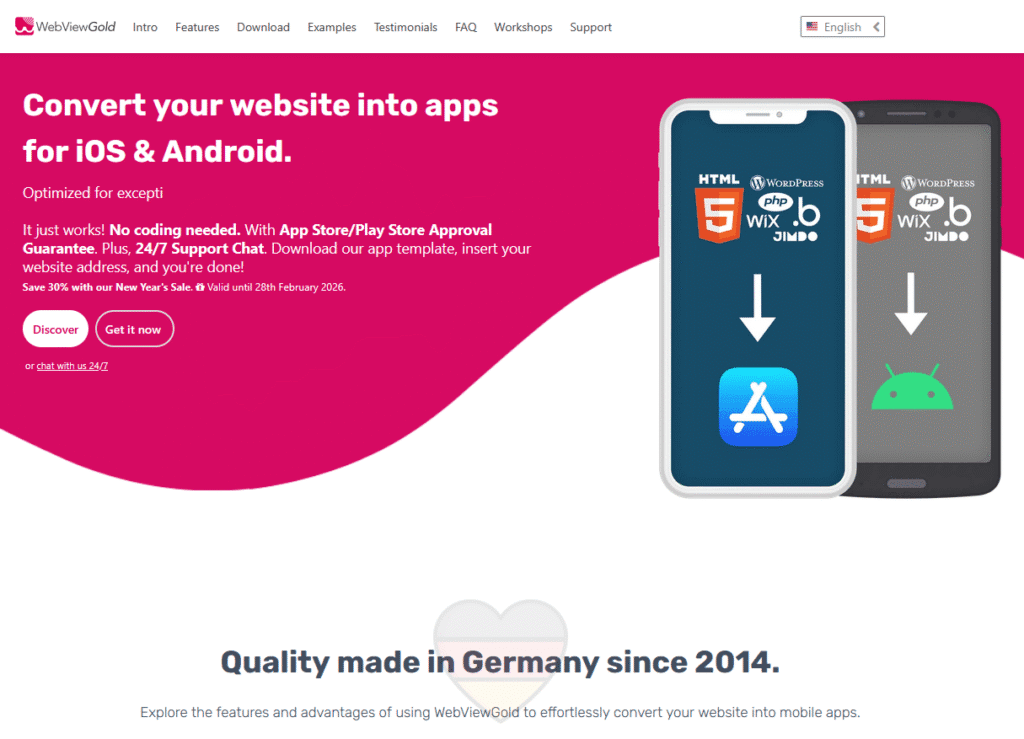
WebViewGold offers a production-proven app template for iOS and Android designed specifically to wrap existing URLs—like those generated by base44—into genuine native applications. It allows developers to bypass expensive “no-code” builders while retaining 100% control over their source code.
WebViewGold is built on a foundation of engineering excellence:
- Continuous Development Since 2014: The platform is refined constantly to stay ahead of iOS and Android OS updates.
- Made in Germany: Development is centralized in Germany, adhering to strict data and quality standards.
- ISO 9001 Certified: The software development environment is ISO 9001 certified, ensuring high process reliability and quality management.
Key Advantages for base44 Developers
1. Perfect Compatibility with the base44 Stack
WebViewGold is agnostic to your backend but optimized for modern frontend performance.
- Seamless Rendering: If your base44 project looks great in Safari or Chrome, it will function identically within the WebViewGold app shell.
- Preserved UI/UX: The smooth animations and interactive elements you built in base44 function natively without extra configuration.
- Unified Logic: Your state management and routing remain in the web layer, so you don’t have to manage separate logic for mobile.
2. One-Time License (No Vendor Lock-In)
Unlike SaaS platforms that charge recurring monthly fees, WebViewGold uses a one-time license model. You get the full Xcode and Android Studio projects, ensuring:
- Cost Predictability: Fixed costs are ideal for startups and agencies.
- Full Ownership: You own the wrapper code, period.
3. Immediate “Over-the-Air” Updates
Since the native shell points to your base44 URL, most updates don’t require a new store submission.
- Instant Deployment: Push a design change or a new feature to your base44 server, and it appears instantly in your users’ apps.
- Single Codebase: Maintain one codebase for Web, iOS, and Android.
4. Extensive Native API Integration
WebViewGold bridges the gap between your base44 JavaScript and native mobile hardware:
- Biometrics: Face ID/Touch ID login.
- Engagement: Native Push notifications via OneSignal or Firebase.
- Monetization: Integrate native In-App Purchases (IAP) and Subscriptions via official store billing.
Step-by-Step: From base44 to the App Store
1. Optimize Your base44 Project
Before wrapping, ensure your base44 application is fully responsive. Test touch targets and mobile layouts to ensure they feel natural on a smartphone screen.
2. Configure the WebViewGold Template
Download the iOS or Android package and open the project in Xcode (for iOS) or Android Studio (for Android).
3. Link Your base44 URL
Locate the configuration file (e.g., Config.swift or Config.java) and replace the placeholder URL with your live base44 project URL.
4. Branding & Customization
Upload your custom app icon and splash screen. WebViewGold makes it easy to match the app’s header colors to your base44 brand palette.
5. Activate Native Modules
Toggle the flags for features you need, such as push notifications, camera access, or deep linking.
6. Submission & Approval
Build your project and submit it to App Store Connect and the Google Play Console. WebViewGold includes a store approval guarantee, offering a refund if your app is rejected due to the wrapper technology itself.
Conclusion
base44 has revolutionized how quickly we can build powerful web tools. WebViewGold is the final piece of the puzzle, providing a mature, German-engineered bridge to the mobile ecosystem. By leveraging this ISO-9001 certified solution, you can secure native distribution for your base44 projects without recurring fees or the need to learn mobile-specific programming languages.